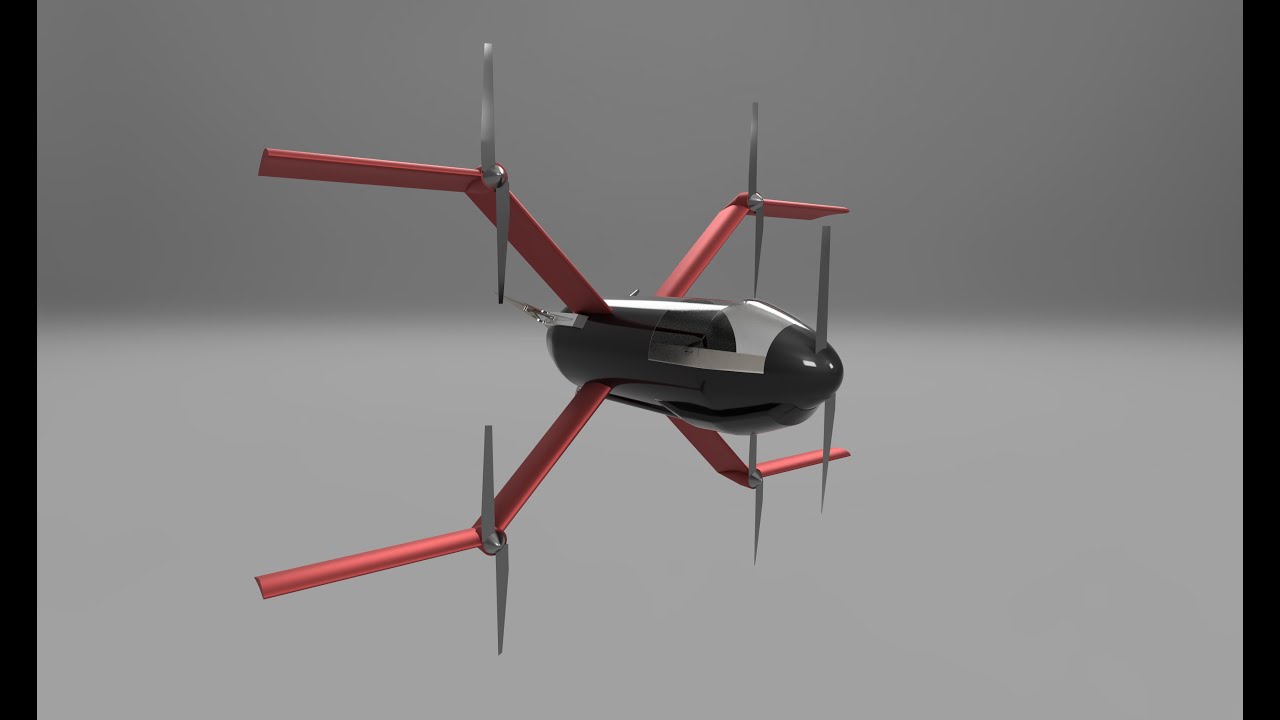
- ROS 2 and Gazebo simulation of a 263 kg heavy-lift tailsitter eVTOL pentarotor, developed to design and test its custom flight control system
- A model-based cascaded nonlinear thrust-vectoring controller (differential thrust only)
-
Robust position control under wind gusts (hover)
- 30+ knots → horizontal accuracy of ± 0.3 metre
-
Trimmed cruise at constant altitude (forward flight)
- 65 m/s at ~ 67% throttle
-
Unified control for all flight phases
- Takeoff → transition (forward & backward) → landing
- Takeoff → transition (forward & backward) → landing
Tested on:
- ROS 2 Jazzy
- Gazebo Harmonic
- Ubuntu 24.04
sudo apt update
sudo apt install -y \
  ros-jazzy-ros-base \
  ros-jazzy-geometry-msgs \
  ros-jazzy-sensor-msgs \
  ros-jazzy-tf2-msgs \
  ros-jazzy-rosgraph-msgs \
  ros-jazzy-actuator-msgs \
  ros-jazzy-ros-gz \
ros-jazzy-ros-gz-interfacespython3 -m pip install --user numpy scipy pygameIf pygame fails:
sudo apt install -y \
libsdl2-dev libsdl2-image-dev libsdl2-mixer-dev libsdl2-ttf-devgit clone https://github.com/soapmansantos/salvos_sim.git
source /opt/ros/jazzy/setup.bash
cd salvos_sim
colcon build
source install/setup.bash
ros2 launch salvos_gz salvos_sim.launch.pyA small pygame window opens and listens for keyboard input.
- m — Toggle manual control
- When switching back to auto, the target is reset to the current position and hovers there
- r — Reset simulation
- Stops motors, resets the world, reinitialises the controller, randomises wind
- n — Start landing sequence
- Manual control disabled
- Holds current position, then descends
- t — Take off again (only after landing)
- w, a, s, d — Manual control inputs
- Only active when manual mode is enabled (
m) - Height and heading set by controller
- Only active when manual mode is enabled (
Santos Santiago García Valls
Email: santosgarciavalls@gmail.com
LinkedIn: https://www.linkedin.com/in/santos-garcia-valls/