





本项目支持通过脚本一键打包并部署到远程服务器。
pnpm deploy <环境>-
环境参数:
dev(测试环境)或pro(正式环境) -
例:
pnpm deploy pro
| 序号 | 项目名称 | 目录 |
|---|---|---|
| 1 | web-ele | apps/web-ele |
| 2 | antd-vue | apps/web-antd |
| 3 | naive-ui | apps/web-naive |
| 4 | tdesign | apps/web-tdesign |
- 运行命令后,根据提示选择要部署的项目(输入序号或项目名称)
- 脚本自动执行对应项目的构建命令
- 构建完成后,通过 SCP 将产物上传到目标服务器
注意: 首次使用前请在
deploy.mjs中配置服务器信息:const server = { dev: { host: '', // 服务器地址 port: '22', // SSH 端口 username: '', // 登录用户名 password: '', // 登录密码 path: '', // 部署目标路径 }, pro: { host: '', port: '22', username: '', password: '', path: '', }, }
Vue Vben Admin is a free and open source middle and back-end template. Using the latest vue3, vite, TypeScript and other mainstream technology development, the out-of-the-box middle and back-end front-end solutions can also be used for learning reference.
This is the latest version, 5.0, and it is not compatible with previous versions. If you are starting a new project, it is recommended to use the latest version. If you wish to view the old version, please use the v2 branch.
- Latest Technology Stack: Developed with cutting-edge front-end technologies like Vue 3 and Vite
- TypeScript: A language for application-scale JavaScript
- Themes: Multiple theme colors available with customizable options
- Internationalization: Comprehensive built-in internationalization support
- Permissions: Built-in solution for dynamic route-based permission generation
- Vben Admin - Full version Chinese site
Test Account: vben/123456

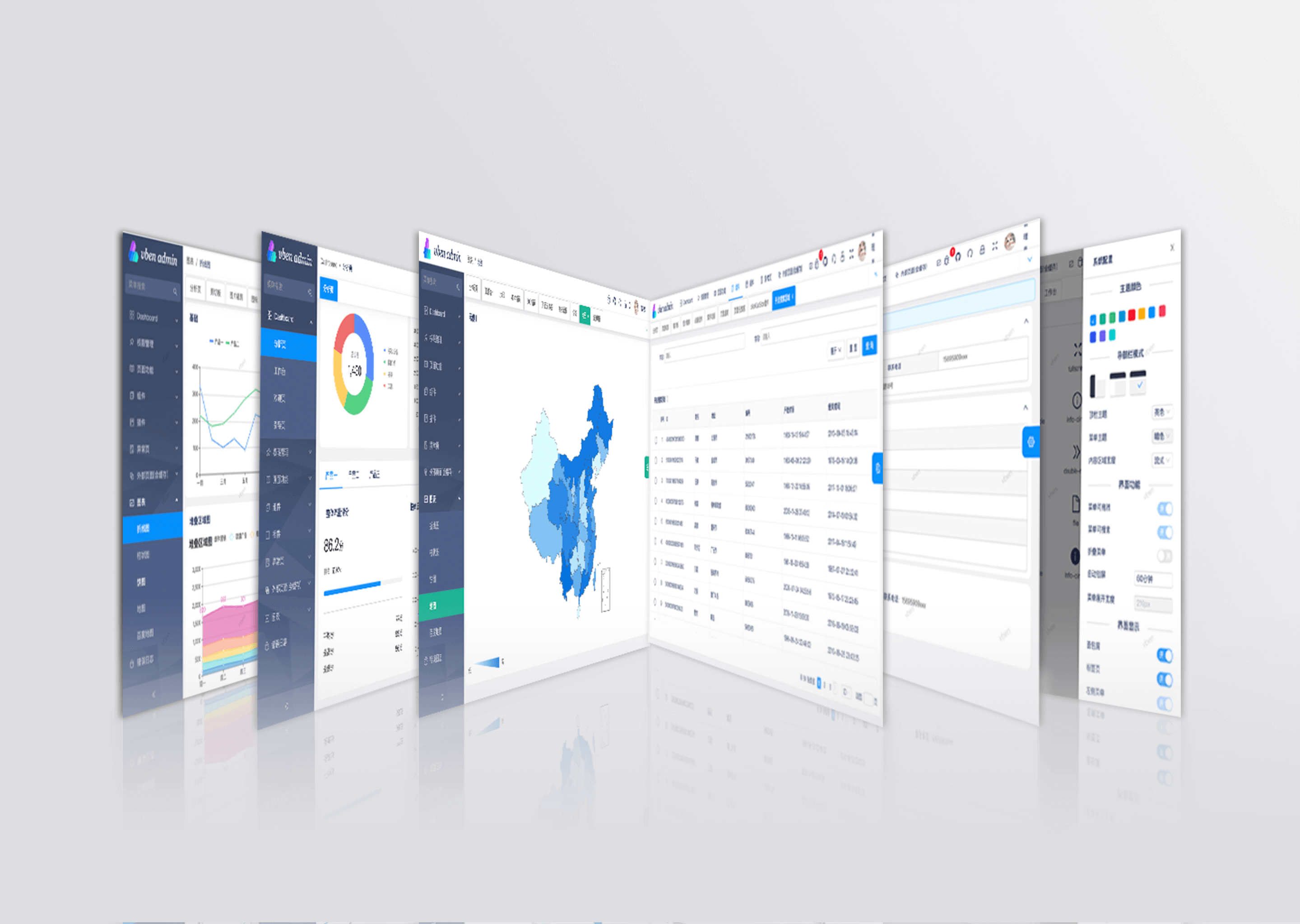
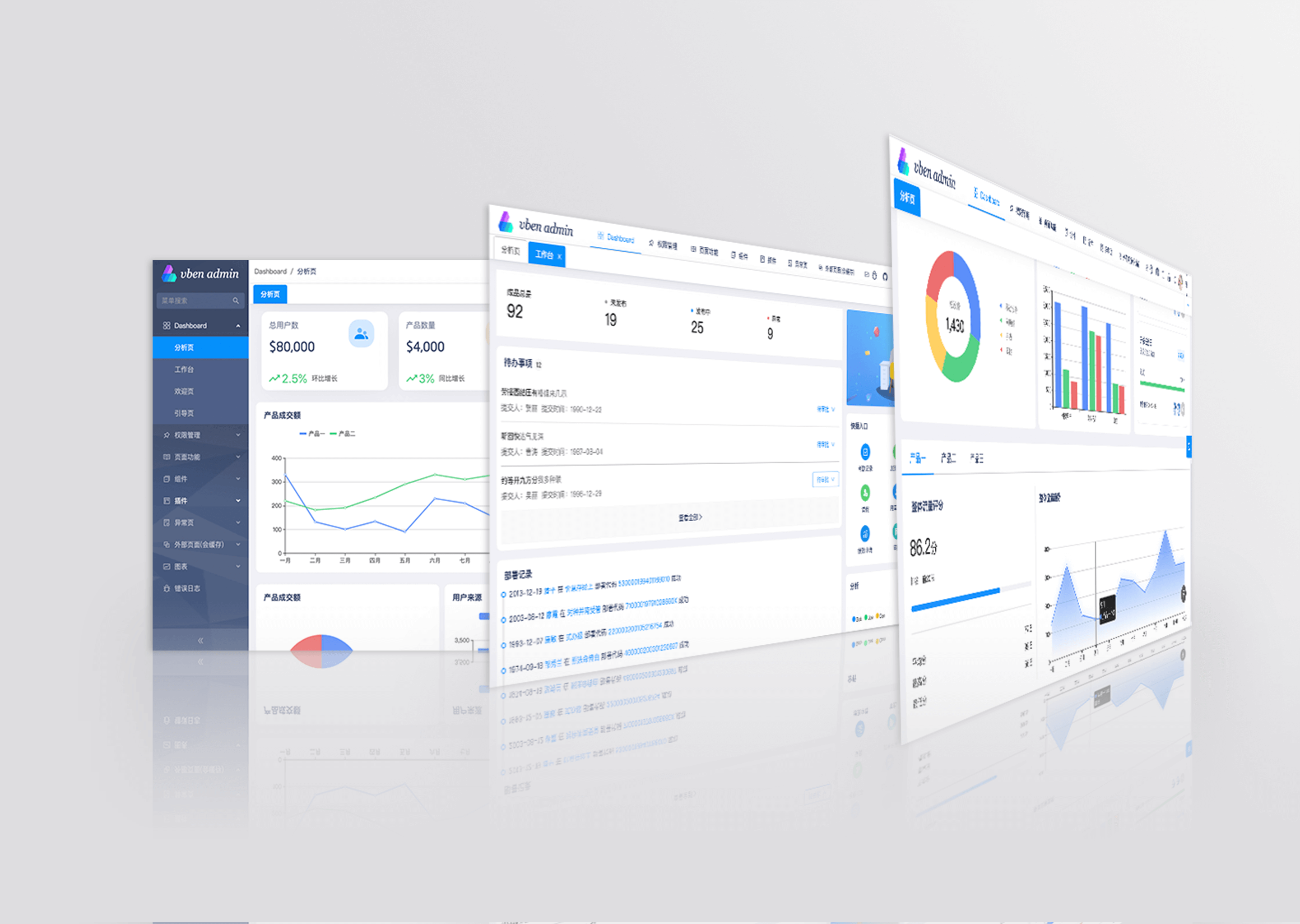
Open the project in Gitpod (free online dev environment for GitHub) and start coding immediately.

- Get the project code
git clone https://github.com/vbenjs/vue-vben-admin.git- Install dependencies
cd vue-vben-admin
npm i -g corepack
pnpm install- Run
pnpm dev- Build
pnpm buildYou are very welcome to join! Raise an issue or submit a Pull Request.
Pull Request Process:
- Fork the code
- Create your branch:
git checkout -b feat/xxxx - Submit your changes:
git commit -am 'feat(function): add xxxxx' - Push your branch:
git push origin feat/xxxx - Submit
pull request
Reference vue specification (Angular)
featAdd new featuresfixFix the problem/BUGstyleThe code style is related and does not affect the running resultperfOptimization/performance improvementrefactorRefactorrevertUndo edittestTest relateddocsDocumentation/noteschoreDependency update/scaffolding configuration modification etc.ciContinuous integrationtypesType definition file changes
The Chrome 80+ browser is recommended for local development
Support modern browsers, not IE
 Edge |
 Firefox |
 Chrome |
 Safari |
|---|---|---|---|
| last 2 versions | last 2 versions | last 2 versions | last 2 versions |
If you think this project is helpful to you, you can help the author buy a cup of coffee to show your support!