
This sample app performs semantic segmentation on live camera input.
The app aims to showcase an example of combining streaming camera, TFLite, and OpenCV.
- Android device with USB debugging enabled (Android 14+)
- A Windows/MacOS/Linux host machine with Docker installed
Install the CLI and fetch the app with the model:
pip install qai-hub-apps
qai-hub-apps fetch semantic_segmentation_android --model ffnet_40s --output-dir ~
cd ~/semantic_segmentation_android
This downloads the app source and places the model asset in the correct location automatically.
If you cloned the release branch, the app directory is already self-contained — but model weights are not included. Download a compatible model from AI Hub Models, unzip the bundle and copy the tflite model to src/main/assets/segmenter.tflite before building.
From the app directory (after either option above):
To build APK using Android studio:
- Open this folder in Android Studio
- Run gradle sync
- Build and run the
apptarget- Click on
Build->Generate App Bundles or APKs->Generate APKs - Click on
Run->Run 'app'
- Click on
The APKs will be at:
build/outputs/apk/debug/app-debug.apkbuild/outputs/apk/androidTest/debug/app-debug-androidTest.apk
Build our Docker image with all required dependencies, including the supported Android and QAIRT SDKs.
docker build --build-arg BUILD_TYPE=build -t aiha-segmentation .Build the APK:
docker run --name segmentation-container aiha-segmentation bash -c "source /app/scripts/android_utils.sh && cd /app && gradle assembleDebug assembleAndroidTest"

mkdir ./build

docker cp segmentation-container:/app/build/outputs ./build/outputsConnect your Android device via USB, then:
adb install build/outputs/apk/debug/app-debug.apkLaunch the app from your device's app drawer. Point the camera at a street scene for best results.
By default, this app supports the following hardware:
Comments have been left in TFLiteHelpers.java and AIHubDefaults.java to guide you on how to add support for additional TF Lite delegates that could target other hardware.
- TensorFlow Lite (.tflite)
| INPUT | Description | Shape | Data Type |
|---|---|---|---|
| Image | An RGB image | [1, Height, Width, 3] | float32 input expecting inputs normalized to [0, 1] |
| OUTPUT | Description | Shape | Data Type |
|---|---|---|---|
| Classes | CityScapes Classes | [1, Height', Width', 19] | float32 lower resolution class logit predictions |
Refer to the CityScapes segmentation model.py for class label information.
The app is developed to work best with a Width/Height ratio of 2.
Compatible AI Hub Models
The app is currently compatible with the TFLite float variant of these models:
Each AI Hub profile or inference job, once completed, will contain a Runtime Configuration section.
Modify TFLiteHelpers.java according to the runtime configuration applied to the job. Comment stubs are included to help guide you (search for TO REPLICATE AN AI HUB JOB...)
Note that if your job uses delegates other than QNN NPU, GPUv2, and TFLite, then you'll also need to add support for those delegates to the app.
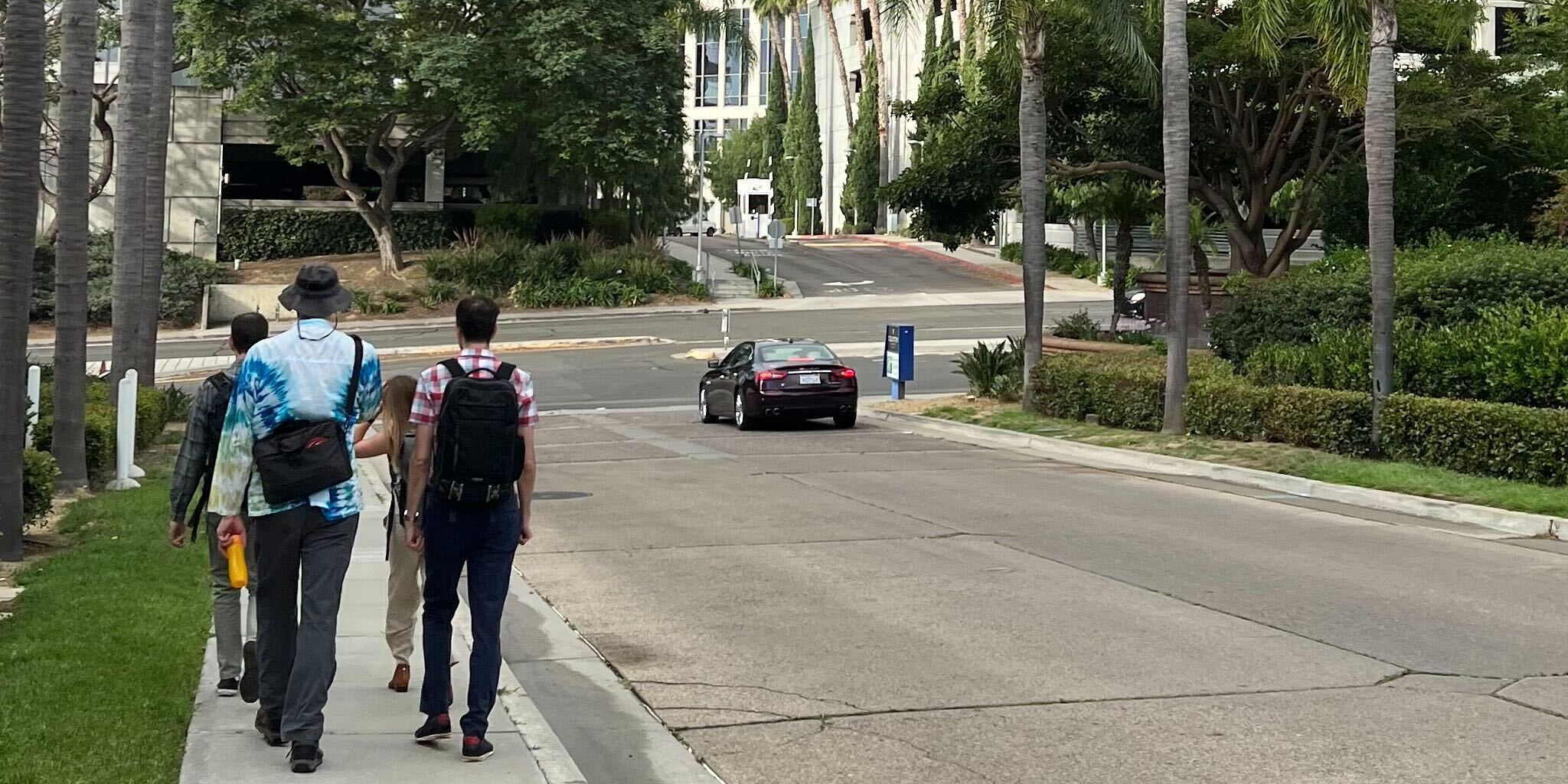
This app uses models trained on the Cityscapes Dataset. That means it will only produce valid results if the camera is pointed at street scenes! When in doubt, point the camera at the following sample image to verify accuracy:
This app is released under the BSD-3 License found at the root of this repository.
All models from AI Hub Models are released under separate license(s). Refer to the AI Hub Models repository for details on each model.
The QNN SDK dependency is also released under a separate license. Please refer to the LICENSE file downloaded with the SDK for details.