software engineering
morgan bergen
jan 26 2023
code
- armstrong number algorithm
- primes brute algorithm
- primes efficient algorithm
- factorial algorithm
- swap algorithm
- test
contents
- learning objectives
- sample program
- writing a c program
- compiling a c program
- executing a c program
- executing a c program
- some common properties of c
- sample program
- some common properties of c
- compilation process
- c functions
- memory locations
- what are c libraries?
- c variable types
- c variables
- expression and evaluation
- comparison operators
- if statement
- if else statement
- assignment operators
- while loop
- for loop
- summary
- learn how to write and compile a c program
- learn what c libraries are
- understand the c variable types
- understand some control statements
#include <stdio.h>

int main() {
    int year;

    printf("\n");
    printf("Enter a year: ");
    scanf("%d, &year");

    // leap year if perfectly divisible by 400
    if (year % 400 == 0) {
        printf("%d is a leap year.", year);
    }

    // not a leap year if divisible by 100, but divisible by 400
    else if (year % 100 == 0) {
        printf("%d is not a leap year.", year);
    }

    // all other years are not leap years
    else {
        printf("%d is not a leap year.", year);
    }

    return(0);
}- write the code for a program using an editor such as neovim and save as my_pgm.c
#include <stdio.h>
int main() {
    printf("hello world");
    return(0);
}- compile the program to convert program from source to "executabale" or "binary"
$ gcc -o my_pgm.exe my_pgm.c
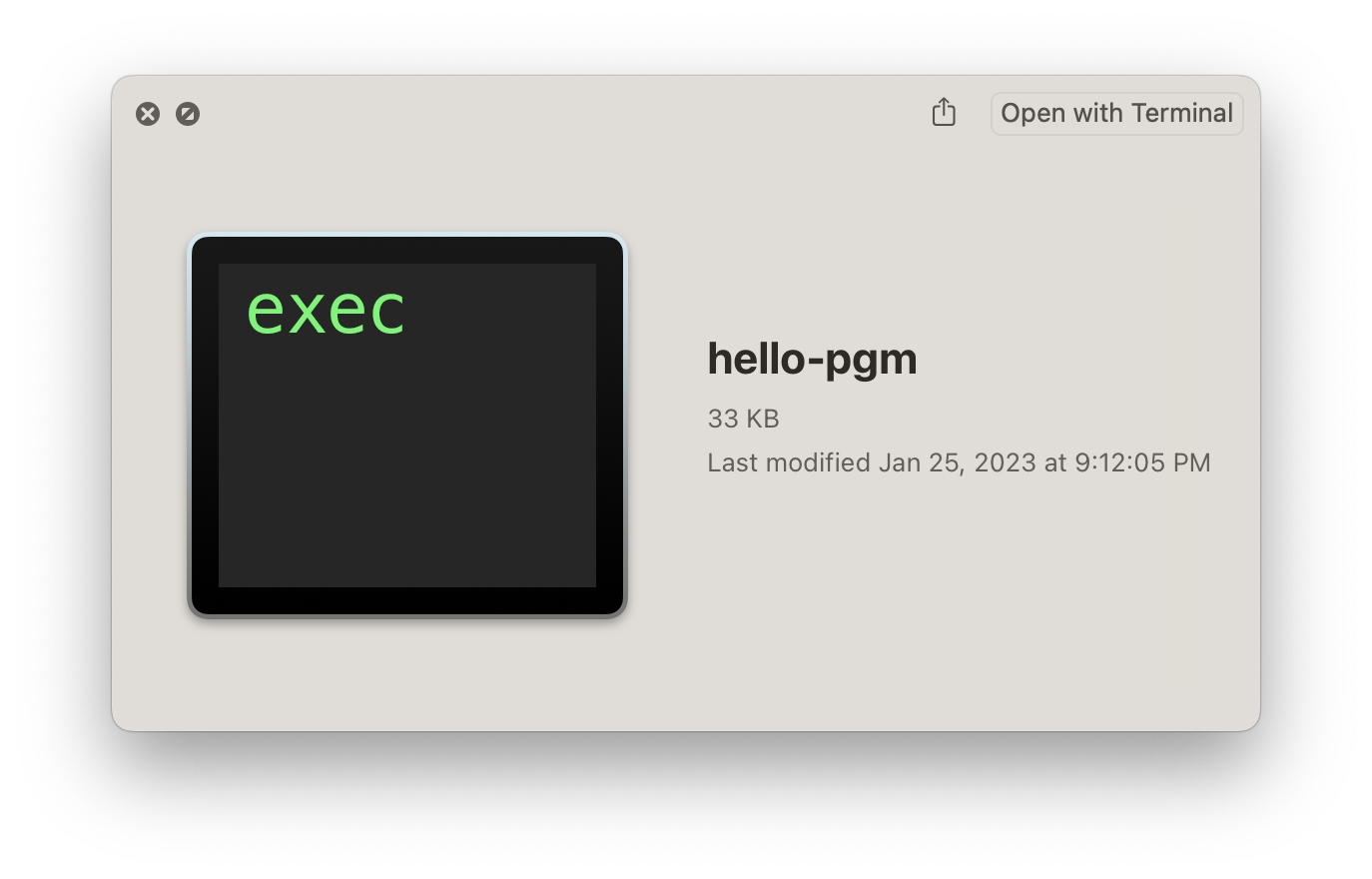
- if the compiler produces any errors, fix them and recompile
- once there are now programming errors and you have an n executable code run it:
$ my_pgm.exe
hello
- case matters, white space doesnt
- comments go between
/*and*/ - each statement is followed by a semicolon
- execution begin in the main function
#inclue <stdio.h>
int main(int argc, char* argv[]) {
    /* start here */
    printf("hello world");
    return(0);
    /* end here */
}-
compilation occurs in two steps:
- preprocessing
- compiling
-
in preprocessing, source code is "expanded" into a larger form that is simpler for the compiler to understand. any line that starts with
#is a line taht is interpreted by the preprocessor- include files are "pasted in"
#include - macros are "expanded"
#define - comments are stripped out
/* */ , // - continued lines are joined
\
- include files are "pasted in"
-
the compiler then converts the resulting text into bianry code the cpu can run directly
#include <stdio.h>
int main(int argc, char** argv) {
    printf("hello\n");
    return(0);
}
--------------> preprocess
__extension__ typedef unsigned long long int __dev_t;
__extension__ typedef unsigned int __uid_t;
__extension__ typedef unsigned int __gid_t;
__extension__ typedef unsigned long int __ino_t;
__extension__ typedef unsigned long long int __ino64_t;
__extension__ typedef unsigned int __nlink_t;
__extension__ typedef long int __off_t;
__extension__ typedef long long int __off64_t;
extern void flockfile (FILE *__stream) ;
extern int ftrylockfile (FILE *__stream) ;
extern void funlockfile (FILE *__stream) ;
int main(int argc, char** argv) {
    printf("hello\n");
    return(0);
}
--------------> compile
my_program
main:
    pushq   %rbp
    movq    %rsp, %rbp
    movl    $0, -4(%rbp)
    movl    $.LC0, %edi
    call    puts
    movl    $0, %eax
    popq    %rbp
    ret
.LC0:
    .string "hello"
- a function is a series of instructions to run.
- you pass arguments to a function and it retunr a value
main()is a function, it's only special because it always gets called first when you run your program
#include <stdio.h>
// simplest c program

/* int  return type or void
 * argc number of arguments
 * argv array of arguments
 */
int main(int argc, char **argv) {
    // calling a function printf() is just another function like main()
    // it's defined for you in a library, a collection  of functions you can call from your progam
    printf("hello world\n");
    // returning a value
    return(0);
}- memory is a like a big table of numbered slots where bytes can be stored
- the number of a slot is its address
- one byte value can be stored in each slot
- some "logical" data values spand more than one slot, like the character string "hello\n"
- a type names a logical meaning to a span of memory
- some simple types are as follows
char        a single character 1 slot
char [10]   an array of 10 characters
int         signed 4 byte integer
float       4 byte floating point number
int64_t     signed 8 byte integer
| addr | value |
|---|---|
| 0 | |
| 1 | |
| 2 | |
| 3 | |
| 4 | 'H' (72) |
| 5 | 'e' (101) |
| 6 | 'l' (108) |
| 7 | 'l' (108) |
| 8 | 'o' (111) |
| 9 | '\n' (10) |
| 10 | '\0' (0) |
- c is a lightweight language
- most of its intelligence is compartmentalized in libraries
- almost all c programs use teh "stdio" or standard input/output library
- many also use the "math" library
- to use a library, include the header file (i.e., stdio.h) at the top of the file
- for most special purpose ibraries (i.e. math) you need to include the math library
- the most common types are:
char,int,float,double - strings are arrays of characters (we'll cover arrays later)
/* delcares an integer called x. its value isnt assigned */
int x;
/* declares two floating point numbers; set x equal to pi */
float y, z = 3.14159;
/* now z is equal to 4 */
z = 4;
/* an error because myval is not declared */
myval = 2;- a variable names a place in memory where you store a value of a certain type
- you first define a variable by giving it a name and specifying the type and optionally an initial value
char x; <- initial value of x is undefined
[ ] y = 'e'; <- extern? static? const?, the initial value is e, the name is y
| symbol | addr | value |
|---|---|---|
| 0 | ||
| 1 | ||
| 2 | ||
| 3 | ||
| x | 4 | ? |
| y | 5 | 'e'(101) |
| 6 | ||
| 7 | ||
| 8 | ||
| 9 | ||
| 10 | ||
| 11 | ||
| 12 |
expressions combine values using operators, according to precedence
1 + 2 * 2     -> 1 + 4 -> 5
(1 + 2) * 2   -> 3 * 2 -> 6
symbols are evaluated to their values before being combined
int x = 1;
int y = 2;
x + y * y     -> x + 2 * 2
              -> x + 4
              -> 1 + 4
              -> 5
comparison operators are used to compare values in c, 0 means "false" and any other value means "true"
int x = 4;
(x < 5)      -> (4 < 5) -> <true>
(x < 4)      -> (4 < 4) -> 0
((x < 5) || (x < 4)) -> (<true> || (x < 4)) -> (<true> || 0) -> <true>
                                      ↑
not evaluated because first clause was true==equal to!=not equal to<less than>greater than<=less than or equal to>=greater than or equal to&&logical and||logical or!logical not+plus-minus*times/divide%modulus (remainder)
- syntax if expression statement
- if the expression is true (not zero), the statement is executed. if the expression is false, it is not executed
- you can group multiple expressiosn together with braces
if (expression) {
    statement
}- syntax if expression statement1; else statement2;
- if the expression is true, statement1 will be executed, otherwise statement2 will be
if (myVale5

find all three digit numbers that are equal to the sum of the cube of their digits
to the sum of the cude of each of their digitsx = y; // x is assigned the value of y
x++; // post increment x by 1
++x; // pre increment x by 1
x--; // post decrement x by 1
--x; // pre decrement x by 1
x += y; // assign (x + y) to x
x -= y; // assign (x - y) to x
x *= y; // assign (x * y) to x
x /= y; // assign (x / y) to x
x %= y; // assign (x % y) to xint x = 5;
int y;
y = ++x;
/* x == 6, y == 6 */don't confuse = and ==! the compiler will warn "suggest parentheses
int x = 5;
if (x == 6) { // false
    /* ... */
}
/* x is still 5 */
int x = 5;
if (x = 6) { /* always true */
/* x is now 6 */
}
/* ... */- syntax
while (condition) { statement; } - the condition is evaluated, if it is true, the body of loop is executed
while (condition) {
    // code to be executed
}- syntax
for (initialization; condition; increment) { statement; } - the for loop will first perform the initialization. then as long as test is TRUE, it will executed statements. after each execution, it will increment.
for (int i = 0; i < 3; i++) {
    printf("counter = %d\n", i);
}
the for loop is just shorthand for while loop structure
float pow(float x, uint exp) {
    float result = 1.0;
    int i;
    while (i < exp) {
        result = result * x; // same as result *= x;
        i++;
    }
    return(result);
}

int main(int argc, char **argv) {
    float p;
    p = pow(10.0, 5);
    printf("10^5 = %f\n", p);
    return(0);
}
is the same as...
float pow(float x, uint exp) {
    float result = 1.0;
    int i;
    for (int i = 0; i < exp; i++) {
        result = result * x; // same as result *= x;
    }
    return(result);
}

int main(int argc, char **argv) {
    float p;
    p = pow(10.0, 5);
    printf("p = %f\n", p);
    return(0);
}
- learned how to write and compile a c program
- learned what c libraries are
- introduced the c variable types
- introduced how to use if and if/else statements
- introduced how to use the for and while statements
- references lewis girod, cens systems lab